

CAD tutorials for 3D printing
25 hands-on lessons, from your first printable part to threads, print-in-place hinges and mechanisms. Read them here, or do them in SimpCAD X: in the program each lesson runs beside your own design and checks every step you make.
Getting Started
Your first hour: the view, shapes, exact sizes, holes, and a part ready to print.
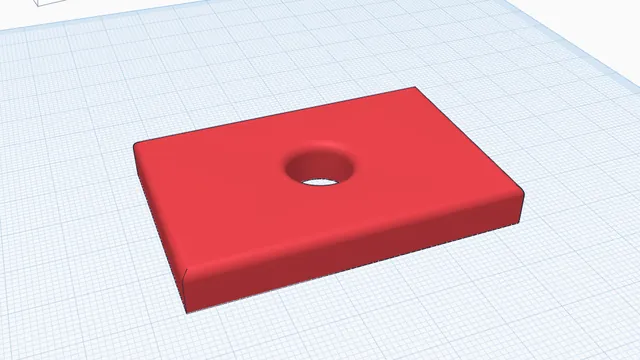 Your first printable modelBeginner · 12 min · From an empty workplane to a file your printer can print: a 60 × 40 mm tag with a hole and rounded edges.Find your way round the viewBeginner · 3 min · Turn, slide and zoom the view, look at one part close up, and always find your way home.
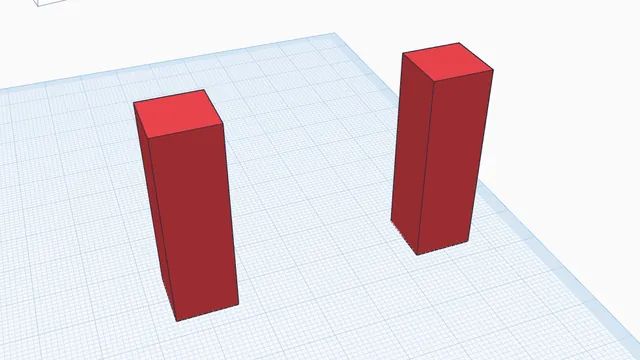 Move, turn and size by handBeginner · 5 min · Drag parts into place, lift them, turn them by exact steps, put them back down and copy them.
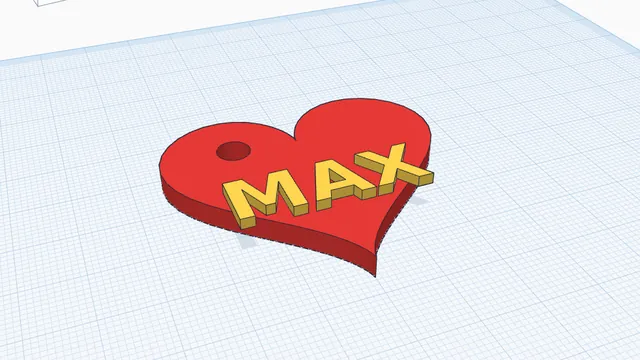 Your own keychainBeginner · 6 min · A keychain with your name on it, in two colours, ready to print: a perfect first project, for children and grown-ups.
Modelling Fundamentals
Build on faces, snap and line parts up, cut pockets and trays, copy and repeat.
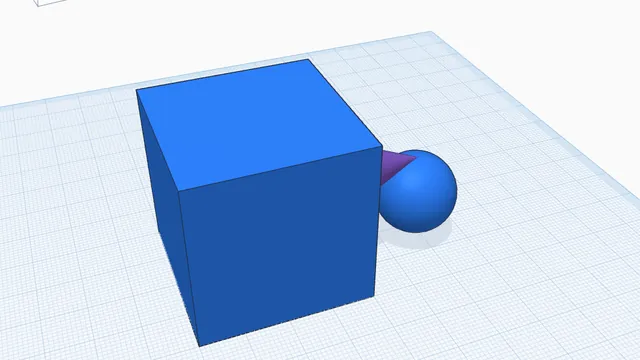 Build on facesBeginner · 4 min · Drop shapes onto the top or the side of other parts: they stand on that face, the right way up.
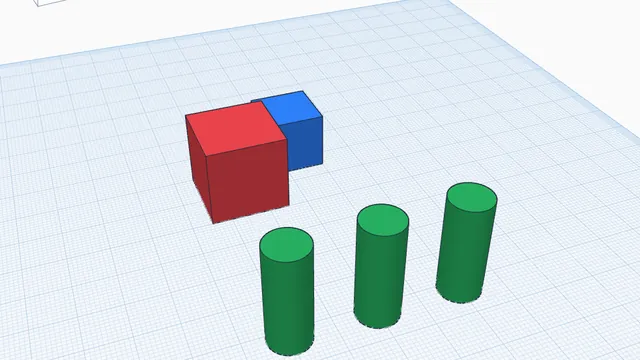 Snap and line upBeginner · 4 min · Push parts flush together with smart snapping, then line them up exactly with Align.
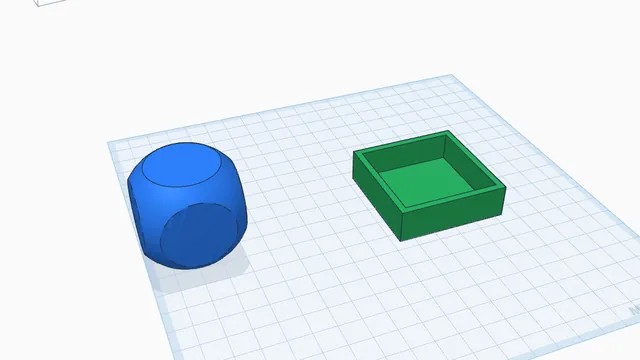 Holes, pockets and traysBeginner · 6 min · Use hole shapes to hollow out a tray with a floor, and Intersect to keep only where two parts overlap.
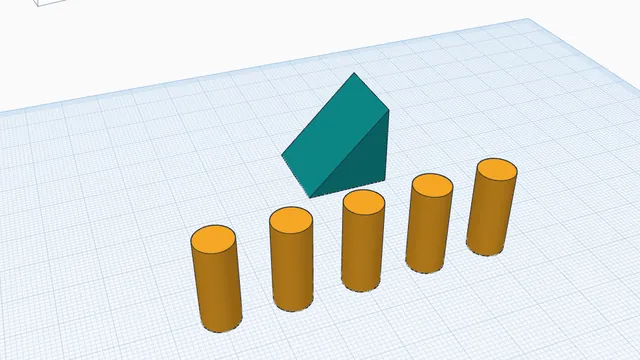 Copies, repeats and patternsBeginner · 5 min · Make evenly spaced copies with Ctrl+D repeat, and mirror a part to the other side.
Precision Modelling
Exact sizes, measuring real geometry and printer-accurate fits.
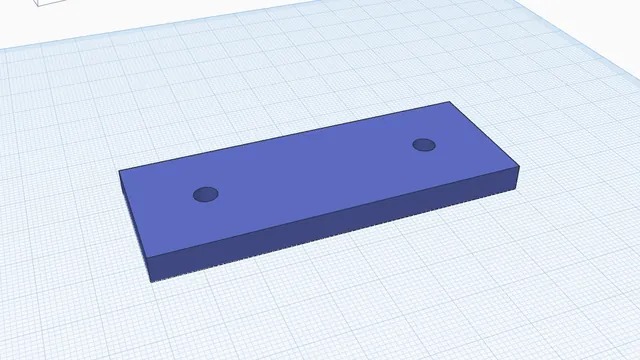 Measure and check a partIntermediate · 5 min · Read a hole's diameter, the gap between two faces and the distance between two holes, before you print.
Sketching and Parametric Design
Draw your own outlines, trace drawings, and drive a design from named sizes.
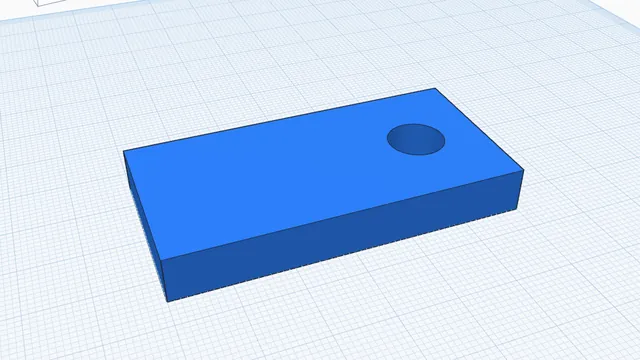 Your first sketchIntermediate · 7 min · Draw a flat outline with a hole in it, then turn it into a solid part: the way most custom parts start.Revolve a sketch into a round partIntermediate · 8 min · Draw half the outline of a round part against an axis, then spin it into a solid: knobs, feet, bottles, wheels, anything turned on a lathe.
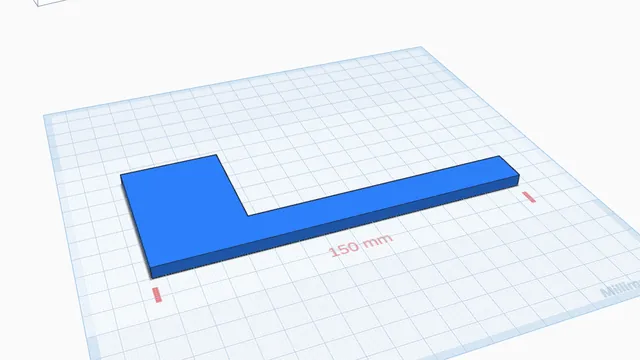 Trace a picture at its real sizeIntermediate · 5 min · Put a drawing on the workplane, set its real size from a known length, and trace it into a part.
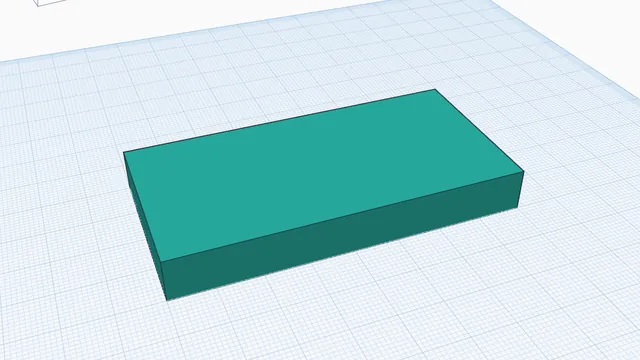 Parameters: change one number, update everythingAdvanced · 6 min · Name a size once and use it in formulas, so a whole design resizes when you change one number.
Modifying Models
Round and bevel edges, hollow parts out and split them to print.
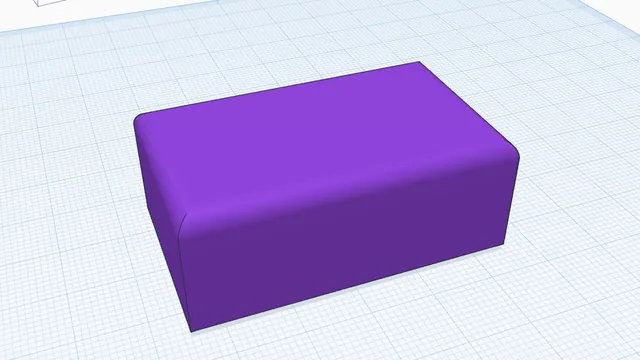 Round and bevel edgesIntermediate · 6 min · Round the top edges of a part and bevel its bottom edges, the two edge treatments that make prints look and feel finished.
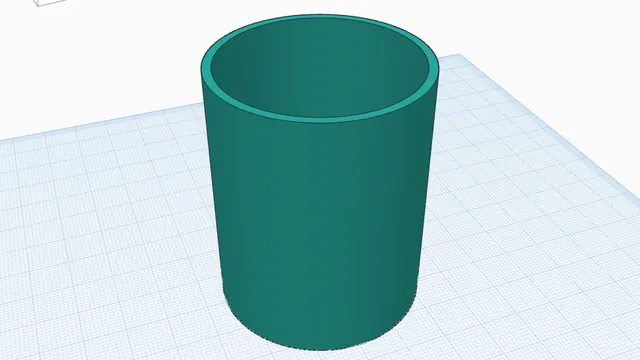 Hollow a partIntermediate · 4 min · Empty a solid part to an even 2 mm wall and open its top: a vase or a pot in one step.
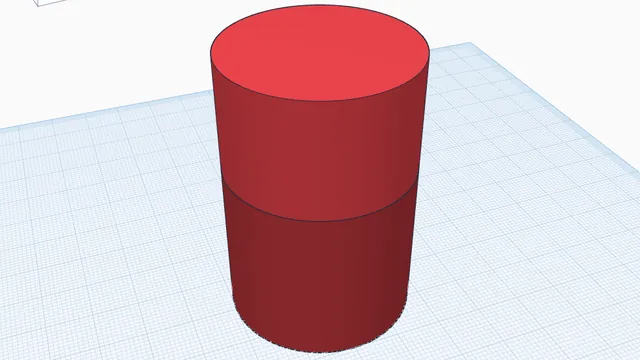 Split a part to printIntermediate · 4 min · Cut a tall part into two pieces that print without supports, with a peg so they line up.
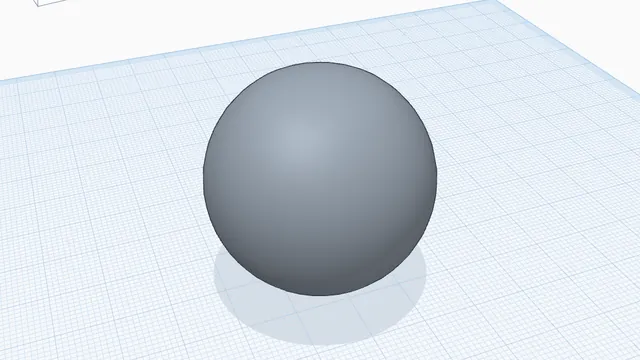 Clean up a 3D scanIntermediate · 5 min · Open a scan in Scan Studio, read its health check, clean it in one click and see how far it moved from the original.
Advanced Modelling
Threads, screw connectors and real surface textures.
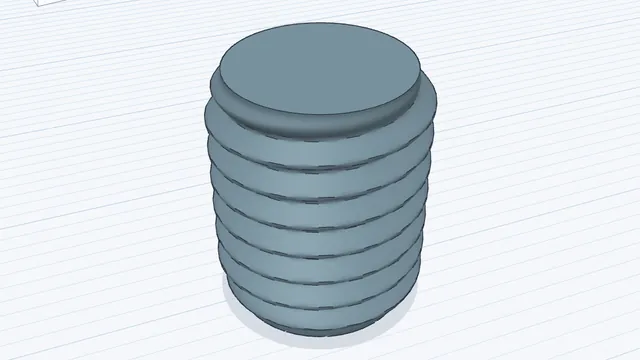 Threads that printAdvanced · 3 min · Add a real, printable screw thread from a preset, and read the will-it-print check.
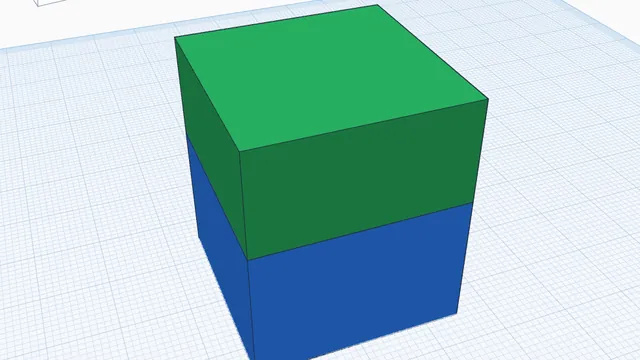 Screw two halves togetherAdvanced · 3 min · Join two touching parts with a matching male thread and threaded hole, ready to print and screw together.
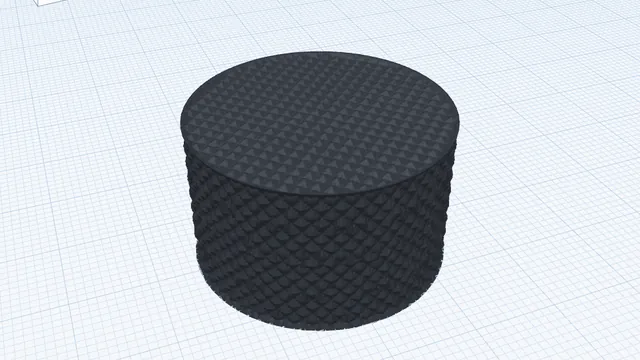 Real printable texturesAdvanced · 3 min · Give a knob a knurled grip that is real geometry, not a picture.
3D Printing Preparation
Lay flat, check overhangs, moving parts that print in one go, and exporting.
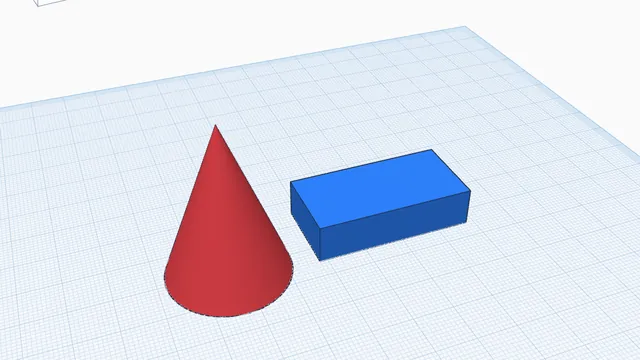 Get a design ready to printBeginner · 4 min · Turn parts onto their best flat faces, check for overhangs that need support, and export a 3MF.
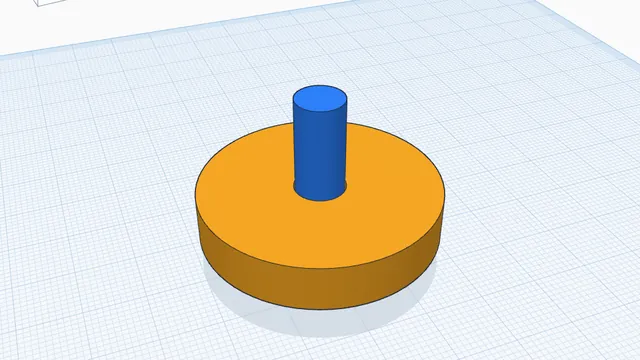 Print moving parts in one goAdvanced · 3 min · Make a wheel that turns on its axle straight off the printer, by checking and cutting the gap between them.
Generators and Creative Tools
Ready-made makers and creative projects that end in something to print.
Your own keychainBeginner · 6 min · A keychain with your name on it, in two colours, ready to print: a perfect first project, for children and grown-ups.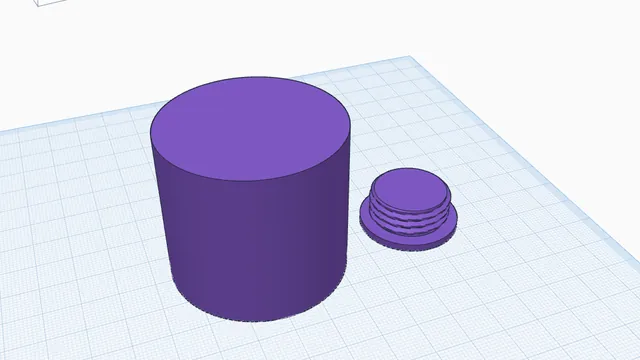 A screw-top keepsake jarIntermediate · 5 min · A round box with a lid that really screws on, made with Hollow's screw cap.
Professional CAD Workflows
Parameters, assemblies that move, balance and weight.
Parameters: change one number, update everythingAdvanced · 6 min · Name a size once and use it in formulas, so a whole design resizes when you change one number.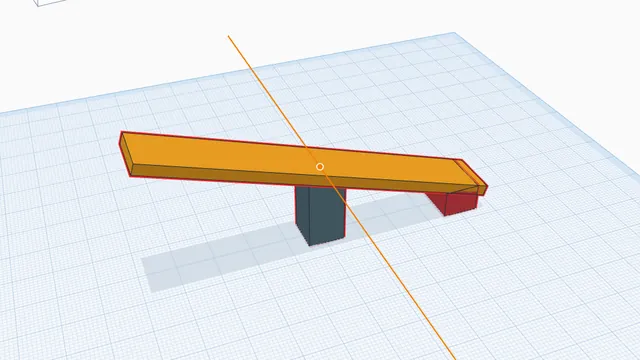 Animate a mechanismAdvanced · 4 min · Hinge a seesaw, play it, and catch the parts that collide.
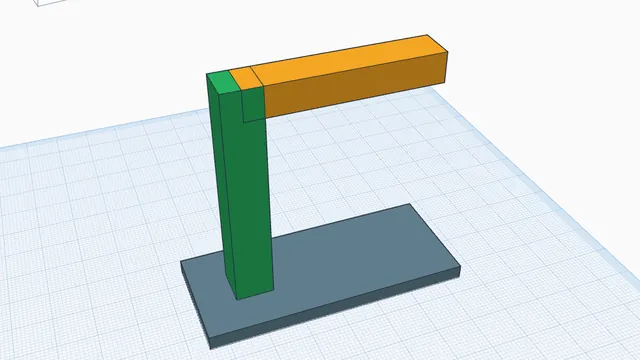 Will it stand up?Advanced · 3 min · Find a part's centre of gravity, watch it tip over, and fix it with a wider base.
Community guides
More tutorials written by people who use SimpCAD X, each checked by a moderator: community guides.
Tool reference · 3D modelling for beginners · CAD for 3D printing