

Design print-in-place moving parts
Make a wheel that turns on its axle straight off the printer, by checking and cutting the gap between them.
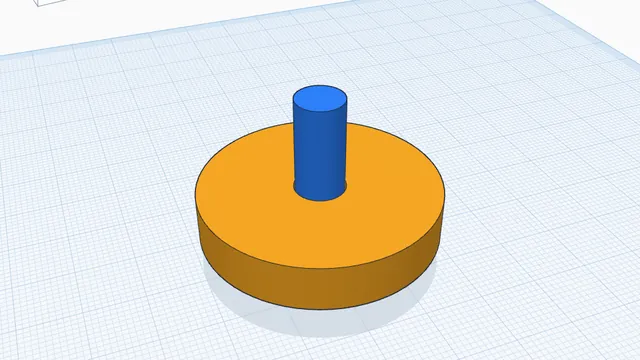
In the program, this lesson runs in a practice workspace beside your own design and checks each step as you go.
What you will make
A wheel and axle with a 0.3 mm printing gap.
What you will learn
- Mark parts that move
- Find where they would fuse
- Cut the gap
Step by step
Open In-place
Select the wheel and the axle and press In-place.
You should see: The Print in place panel opens.
Find the fused spot
Press Mark selected, then Check clearances. Where they touch turns red.
Printed plastic spreads a little: parts closer than about 0.3 mm print stuck together.
You should see: The wheel and axle show as fused.
Cut the gap
Click Cut a 0.3 mm gap into Wheel.
You should see: Every pair is green: the wheel will turn.
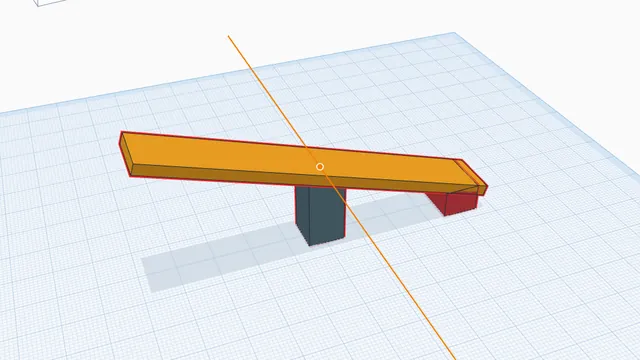 Animate a mechanismAdvanced · 4 min · Hinge a seesaw, play it, and catch the parts that collide.