

Animate a mechanism and find collisions
Hinge a seesaw, play it, and catch the parts that collide.
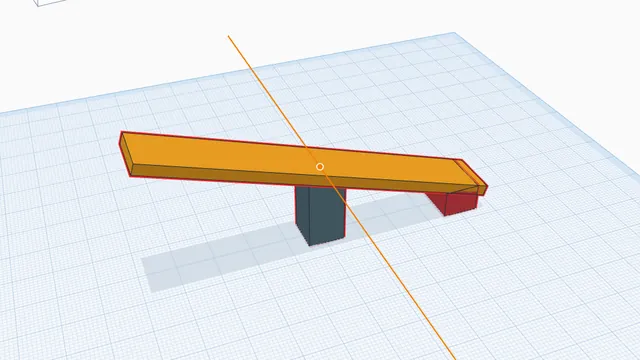
In the program, this lesson runs in a practice workspace beside your own design and checks each step as you go.
What you will make
A seesaw that tips back and forth on its hinge.
What you will learn
- Create a hinge joint
- Play the motion
- Spot collisions
Step by step
Open Motion
Click the Pivot, Shift+click the Plank, and press Motion.
You should see: The joints panel opens.
Make a hinge
Choose Hinge, axis Y, then Create joint.
You should see: The plank is hinged on the pivot.
Play it
Press ▶ on the timeline (or Space). Parts that collide turn red.
You should see: The seesaw tips; the block it hits turns red.
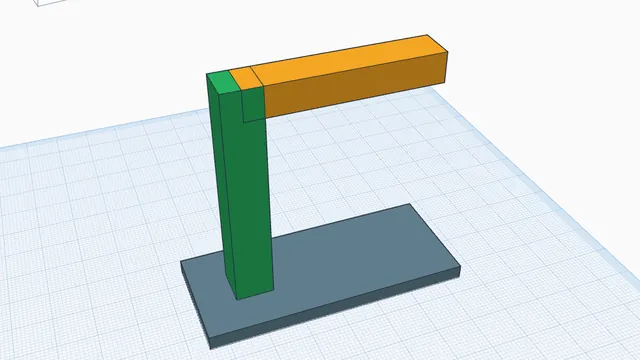 Will it stand up?Advanced · 3 min · Find a part's centre of gravity, watch it tip over, and fix it with a wider base.