

Will your 3D print stand up? Find the centre of gravity
Find a part's centre of gravity, watch it tip over, and fix it with a wider base.
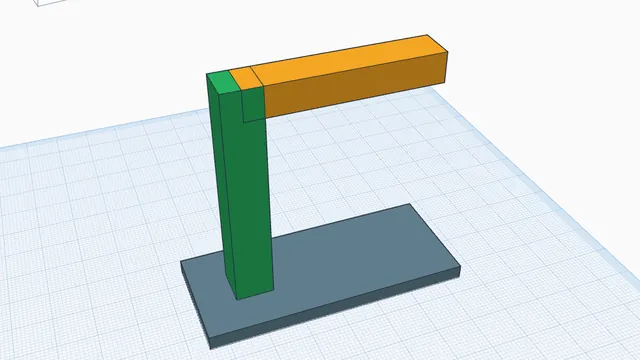
In the program, this lesson runs in a practice workspace beside your own design and checks each step as you go.
What you will make
A crane shape that stands up on its own.
What you will learn
- See the centre of gravity
- Drop-test a design
- Fix a part that tips
Step by step
Open Physics
Press Physics.
You should see: The ◐ marker shows the centre of gravity.
Drop it
Press ▶ Drop it and watch it tip.
The centre of gravity is outside the post's footprint, so it falls.
You should see: It falls over.
Fix it
Press Reset, add a wide Box under the post as a base (lift the post and arm onto it), and the verdict turns green.
You should see: The verdict says it stands.
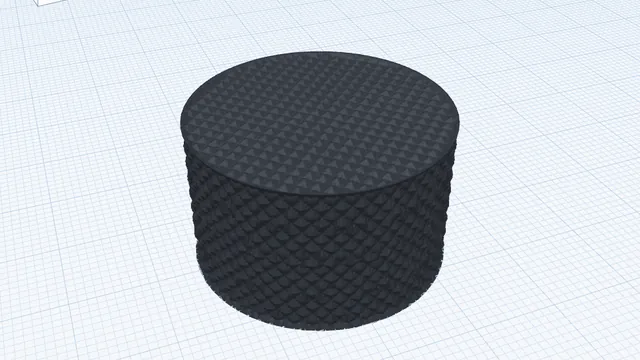 Real printable texturesAdvanced · 3 min · Give a knob a knurled grip that is real geometry, not a picture.