

Free CAD software, with nothing locked
SimpCAD X is free: every tool, for personal and commercial projects. There's no account, no limit on projects and no paid version waiting behind a button.
Easy to start
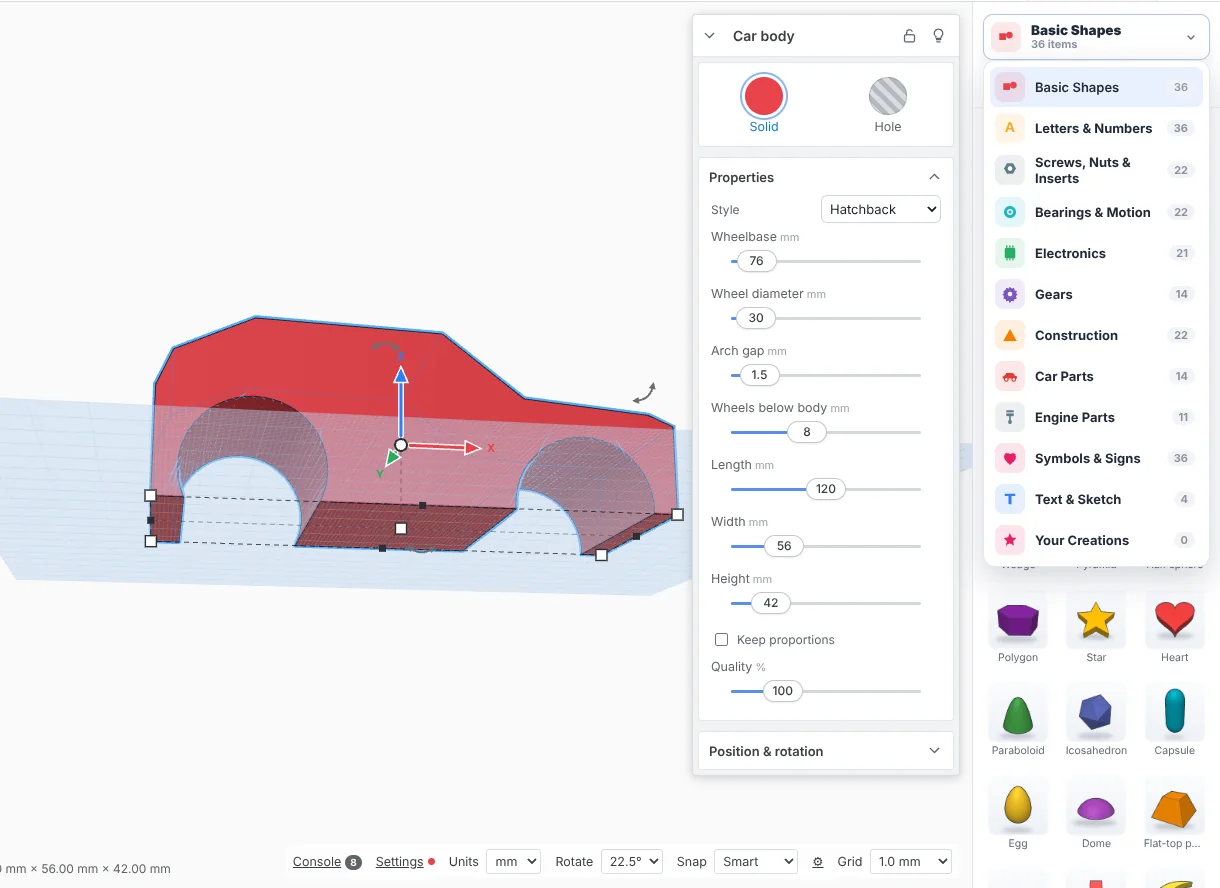
If you've used a drag-and-drop 3D design tool before (Tinkercad, for example), you'll feel at home. You drag shapes onto the workplane, make some into holes and group them. Simple mode keeps only the everyday tools in view, and a short tour shows the rest.
Room to grow
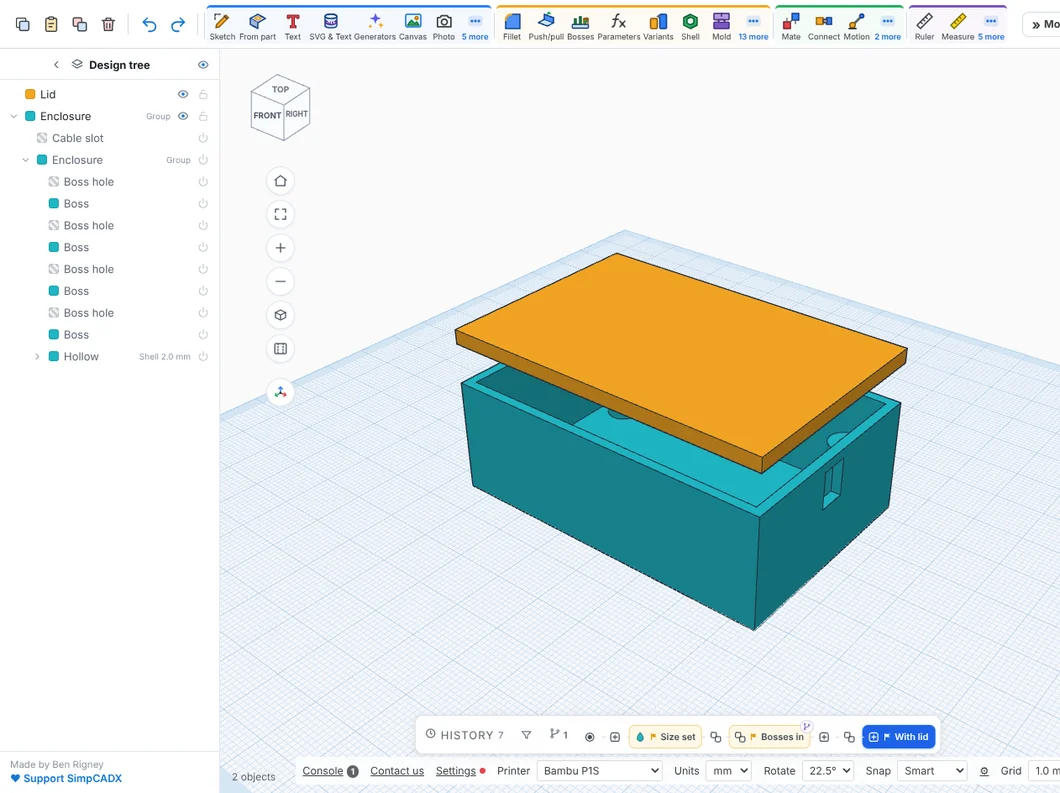
- Sketches: draw a profile, then extrude, revolve, loft or sweep it.
- Exact roundings and chamfers: with the exact engine, edges are rounded as true curves.
- Named sizes: change one number and everything that uses it follows.
- History: go back to any step and change it.
- STEP files: open and save STEP to work with other CAD programs.
Online or on Windows
Use it in any recent browser on Windows, Mac, Linux or a Chromebook, or download the Windows app (Windows 10 and 11), which saves to folders on your PC and works with no internet. It's the same program either way.
Made for 3D printing
It knows 349 printers, cuts models to fit your bed and shows overhangs before you slice. Read more on CAD for 3D printing, or edit an STL file you already have.
Tinkercad is a trademark of Autodesk, Inc. SimpCAD X is not affiliated with or endorsed by Autodesk.
More: CAD for 3D printing · Online STL editor · Repair STL files · Open STEP files · 3D modelling for beginners · Tinkercad alternative · Online CAD · What's new