

Add a real knurled texture to a 3D printed part
Give a knob a knurled grip that is real geometry, not a picture.
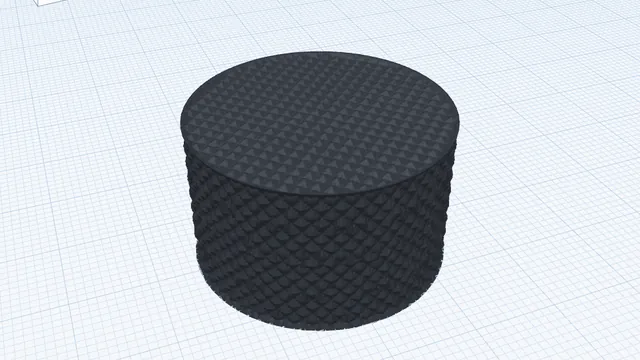
In the program, this lesson runs in a practice workspace beside your own design and checks each step as you go.
What you will make
A knob with a knurled surface.
What you will learn
- Choose a texture and how it wraps
- Apply it as real geometry
Step by step
Open Texture
Select the knob and press Texture.
You should see: The Texture panel opens.
Choose knurling
Pick Knurling, set Wrap to Around (round parts) and wait for the preview.
You should see: The preview shows a knurled grip.
Apply it
Press Apply texture.
You should see: The knob's side is knurled.
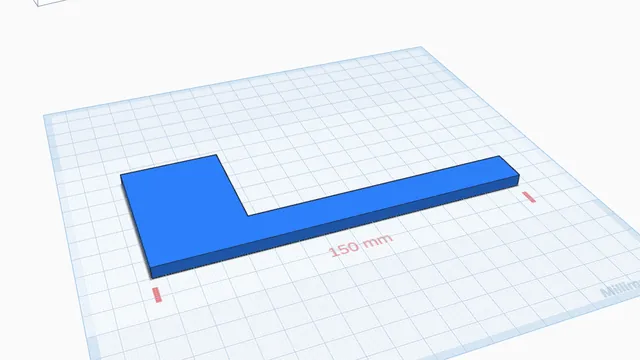 Trace a picture at its real sizeIntermediate · 5 min · Put a drawing on the workplane, set its real size from a known length, and trace it into a part.