

Screw two 3D printed halves together
Join two touching parts with a matching male thread and threaded hole, ready to print and screw together.
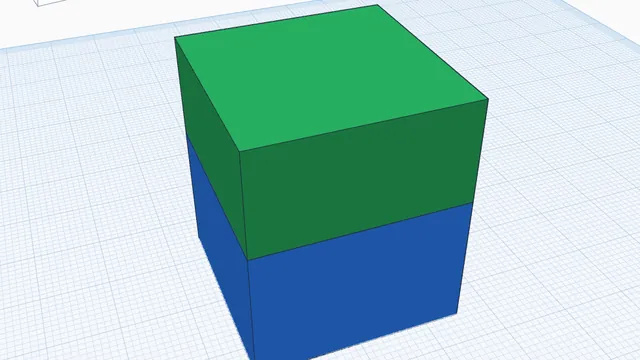
In the program, this lesson runs in a practice workspace beside your own design and checks each step as you go.
What you will make
A box and its lid that screw together.
What you will learn
- Select two touching parts
- Add a threaded connector
- Preview it screwing together
Step by step
Open Connect
Select both halves (drag a box round them) and press Connect.
You should see: The thread shows on the faces where they meet.
Add it
Leave the sizes as they are (10 mm, 2 mm pitch) and press Add connector.
The male thread and the threaded hole are made to match, with 0.15 mm of play.
You should see: One half has a thread, the other a threaded hole.
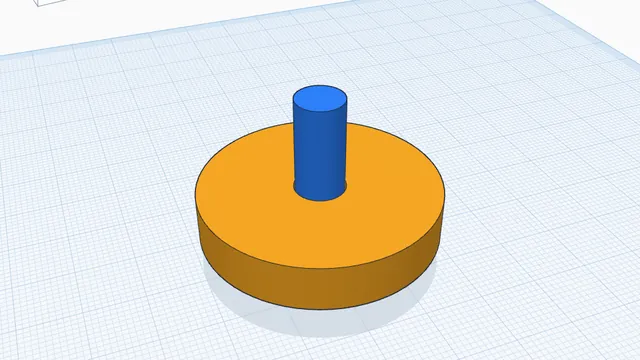 Print moving parts in one goAdvanced · 3 min · Make a wheel that turns on its axle straight off the printer, by checking and cutting the gap between them.