

How to add printable screw threads to a 3D model
Add a real, printable screw thread from a preset, and read the will-it-print check.
In the program, this lesson runs in a practice workspace beside your own design and checks each step as you go.
What you will make
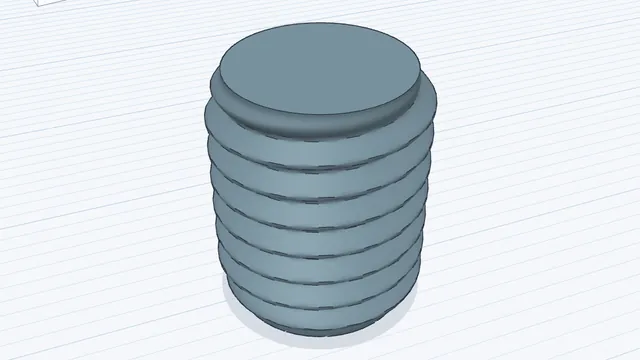
An M10 bolt thread on the workplane.
What you will learn
- Choose a thread preset
- Read the printability notes
- Place an outside thread
Step by step
Open Threads
Press Thread.
You should see: The Threads panel opens.
Pick a size
Pick the preset M10 × 1.5 and read the Will it print? notes.
Fine threads need a fine nozzle and thin layers: the notes check against your printer settings.
You should see: M10 × 1.5 is chosen.
Place it
Press + External thread and click the workplane to put it down.
You should see: A threaded rod on the workplane.
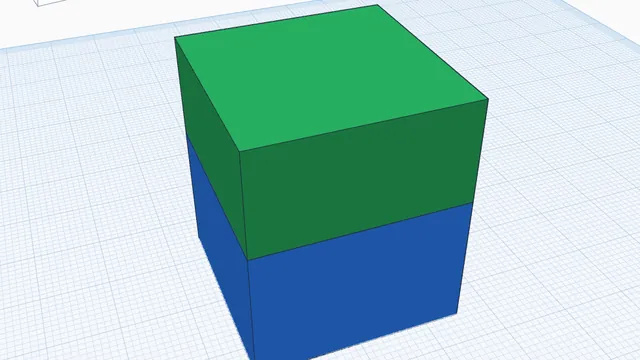 Screw two halves togetherAdvanced · 3 min · Join two touching parts with a matching male thread and threaded hole, ready to print and screw together.