

Threads
Adds real, printable 60° threads — bolts, threaded holes and jar lids — with presets like M5 × 0.8 or 10 × 2, custom pitch, depth and clearance, and a will-it-print check for your nozzle and layer height.
When to use it
For real screw threads that print: bolts, nuts, threaded holes, jar lids. Presets cover common metric sizes and print-friendly coarse threads.
How to use it
- Press Thread, pick a preset or type a diameter and pitch.
- Check the green/orange/red printability notes.
- Add an external thread or a threaded hole — or select a cylinder and press "Thread this cylinder".
Examples
- An M10 × 1.5 bolt and a matching threaded hole.
- A 10 × 2 print-friendly thread for a jar lid.
Limits
- Fine threads (M5 and smaller) need a fine nozzle and layer height: the Will it print? note tells you for your printer settings.
- Inside threads print best upright, with the hole's axis vertical.
Common problems
- The bolt won't screw into the printed hole.
- Raise the clearance (0.2–0.3 mm), or check Perfect Fit is set up for your printer.
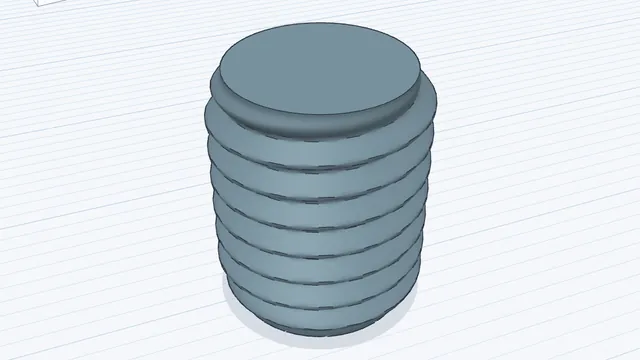 Threads that printAdvanced · 3 min · Add a real, printable screw thread from a preset, and read the will-it-print check.