

How to fillet and chamfer edges for 3D printing
Round the top edges of a part and bevel its bottom edges, the two edge treatments that make prints look and feel finished.
In the program, this lesson runs in a practice workspace beside your own design and checks each step as you go.
What you will make
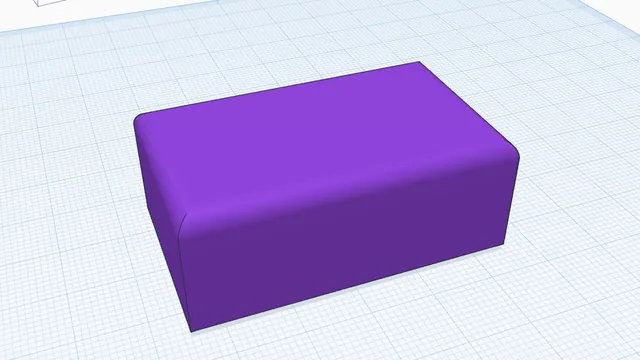
A block with 3 mm rounded top edges and a 1 mm chamfer round the bottom.
What you will learn
- Fillet every edge round a face in one click
- Chamfer the bottom edges
- Change a fillet afterwards
Step by step
Round the top
Select the block, press Fillet and click its top face: the four edges round it are picked. Choose Fillet, set 3 mm and press Apply.
A fillet (round) is kind to hands and stronger than a sharp corner.
You should see: The top edges are rounded.
Bevel the bottom
Press Fillet again, turn the view to see underneath, click the bottom face, choose Chamfer, set 1 mm and Apply.
A small chamfer on the bottom edge stops the first layer squashing outwards (elephant's foot) and makes the part easy to lift off the bed.
You should see: The bottom edges have a neat 45° bevel.
Tip: Right-drag up to look from below: the workplane turns see-through.
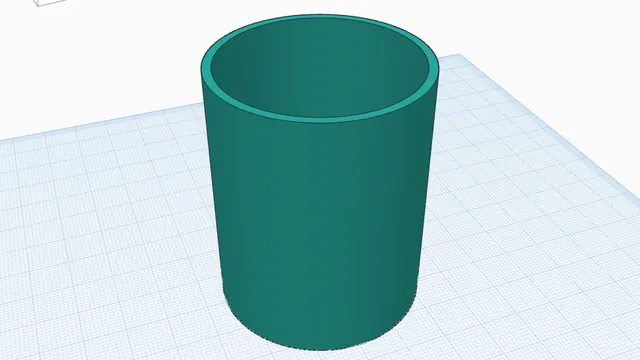 Hollow a partIntermediate · 4 min · Empty a solid part to an even 2 mm wall and open its top: a vase or a pot in one step.