

Copy, mirror and pattern parts in 3D
Make evenly spaced copies with Ctrl+D repeat, and mirror a part to the other side.
In the program, this lesson runs in a practice workspace beside your own design and checks each step as you go.
What you will make
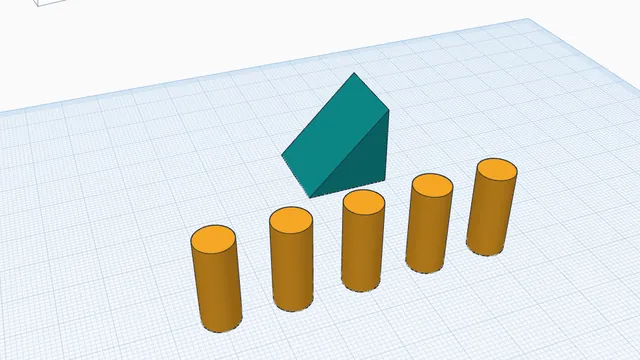
A row of five evenly spaced pegs and a mirrored pair.
What you will learn
- Repeat a move with Ctrl+D
- Mirror a part
Step by step
Copy and move
Click the peg, press Ctrl+D, then move the copy exactly 15 mm to the right: drag it (it jumps in 1 mm steps), or press the → arrow key 15 times.
This first move is what Ctrl+D will repeat.
You should see: Two pegs, 15 mm apart.
Repeat it
With the new peg still selected, press Ctrl+D three more times. Each new copy repeats the same 15 mm move.
Duplicate remembers the last move you made to a copy: rows, stairs and spirals in a few key presses.
You should see: Five pegs in a row, 15 mm apart.
Mirror
Drag a Wedge onto the workplane, select it, press Mirror (M) and click one of the arrows: it flips that way.
Mirror makes left and right hand parts from one design.
You should see: The wedge points the other way.
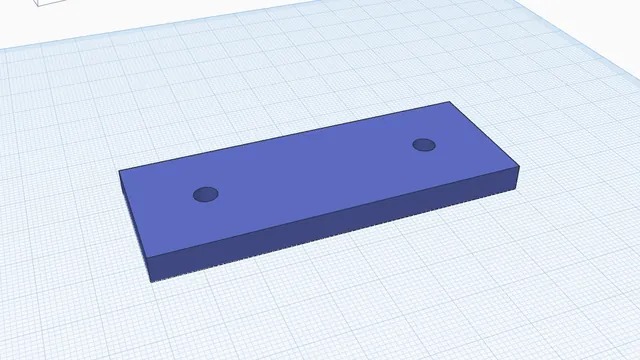 Measure and check a partIntermediate · 5 min · Read a hole's diameter, the gap between two faces and the distance between two holes, before you print.