

Duplicate & repeat
Makes a copy in place. Move or rotate the copy, then press Ctrl+D again: each new copy repeats the same step.
When to use it
For repeats: copy, move or turn the copy, then Ctrl+D again and each new copy repeats the same move.
How to use it
- Great for stairs, spirals and evenly spaced rows.
Options
- Repeat
- After moving or turning the first copy, each Ctrl+D makes another copy that moves or turns the same again.
Good for: stairs, spirals, rows of pegs, fan blades: anything made of repeated, evenly stepped copies.
Examples
- Stair steps: duplicate a block, lift and move it, Ctrl+D five more times.
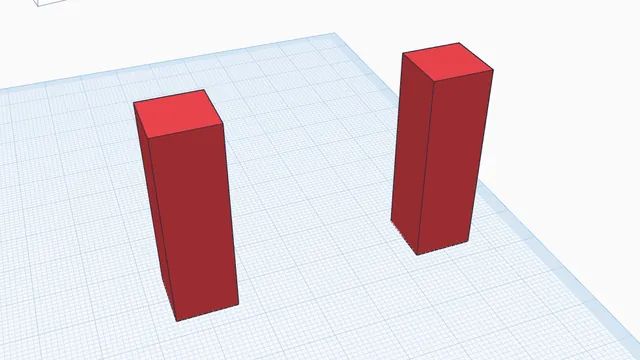 Move, turn and size by handBeginner · 5 min · Drag parts into place, lift them, turn them by exact steps, put them back down and copy them.
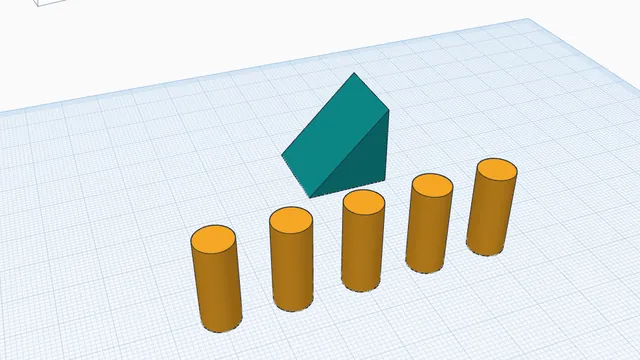 Copies, repeats and patternsBeginner · 5 min · Make evenly spaced copies with Ctrl+D repeat, and mirror a part to the other side.