

Pattern
Makes linear, grid, circular, spiral or along-a-path copies. The pattern stays editable: change the count or spacing any time in the properties panel.
When to use it
For many evenly spaced copies: holes in a grid, spokes round a wheel, teeth on a comb, steps of a spiral stair.
How to use it
- Circular patterns can turn each copy to face the centre.
- Along a path: select the part(s) and a sketch (an open line or curve, or a closed outline), choose Along a path, and the copies follow it (turning with it if you like). Change the path later and the copies follow.
Options
- Linear and grid
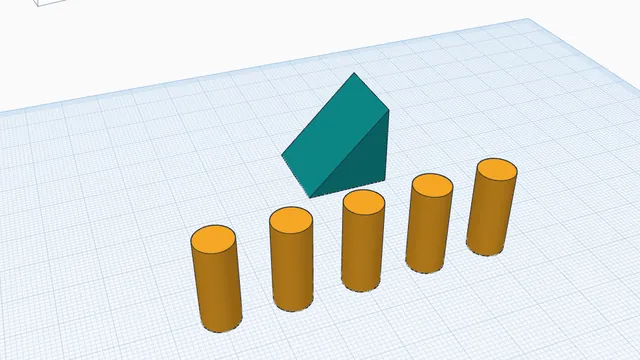
- Copies in a row or a grid with the step you set.
- Circular
- Copies round a centre, turned to face it if you like.
- Along a path
- Select the part and a sketch line: the copies follow the line.
- Change it later
- Select the pattern and change the count or spacing in its panel.
Good for: peg boards, vent slots, bolt circles, gear teeth, chain links along a curve.
Examples
- A 4 × 6 grid of 5 mm holes for a pegboard.
- 12 hour marks in a circle on a clock face.
Limits
- The pattern stays one editable step: change the count or spacing in its panel any time.
Common problems
- The copies overlap.
- Make the spacing bigger than the part is wide, or use fewer copies.
 Copies, repeats and patternsBeginner · 5 min · Make evenly spaced copies with Ctrl+D repeat, and mirror a part to the other side.