

Design a 3D printable screw-top jar
A round box with a lid that really screws on, made with Hollow's screw cap.
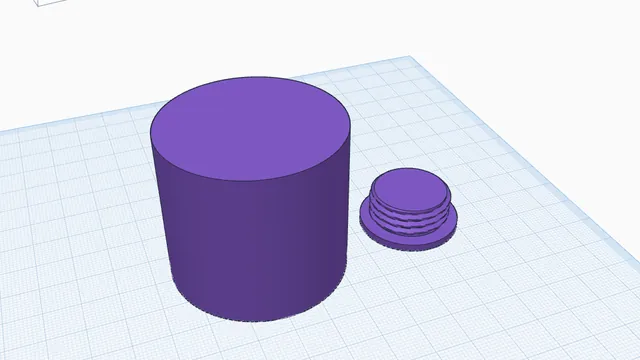
In the program, this lesson runs in a practice workspace beside your own design and checks each step as you go.
What you will make
A hollow jar and a screw cap that fits it.
What you will learn
- Hollow with a screw cap
- Print the cap and the jar as two parts
Step by step
Open Hollow
Select the cylinder and press Hollow.
You should see: The Hollow panel is open.
Choose a screw cap
Choose Screw cap, keep the thread settings, and press Hollow.
Hollow makes a threaded opening and a matching cap with the right play to screw in.
You should see: A hollow jar with a threaded opening, and its cap beside it.
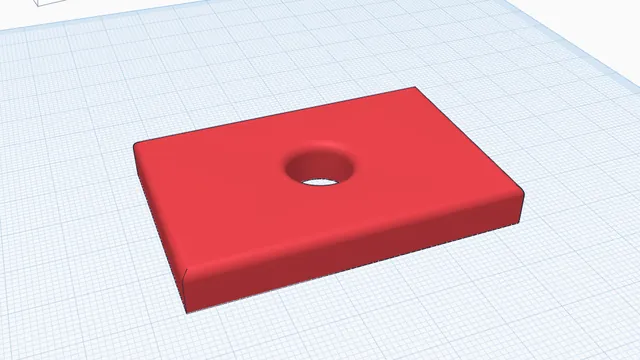 Your first printable modelBeginner · 12 min · From an empty workplane to a file your printer can print: a 60 × 40 mm tag with a hole and rounded edges.