

Solid & Hole
Any shape can be a hole. Holes cut away from solids when you group them together.
When to use it
Whenever you need to take material away: a hole for a screw, a slot, a pocket, lettering cut into a face. Make the cutting shape, turn it into a hole, then group it with the part.
How to use it
- Select a shape and click Hole (or press H).
- Overlap it with a solid. You will see a dark shadow where it will cut.
- Select both and Group (Ctrl+G).
Options
- Nothing is cut until you group
- A hole shows as see-through grey. Group it with the solid (Ctrl+G) to cut.
- Change it later
- Open the group in the Design tree, click the hole, and move or resize it: the group rebuilds.
Good for: holes for screws and bolts, pockets, slots, cut-outs, engraving and hollowing — any shape can cut.
Examples
- A cylinder hole through a plate for an M3 screw (make it 3.4 mm across so the screw slides in).
- Text turned into a hole and grouped with a plaque, to engrave a name.
- A box hole that hollows out a tray, leaving a floor and walls.
Limits
- A hole only cuts the solids in the same group. A hole on its own does nothing to your print.
- A hole that only touches the part (face to face) cuts nothing: it has to overlap it.
Common problems
- The hole doesn't go all the way through.
- Make the hole taller than the part and check its bottom is at or below the part's bottom (select it and press D to drop it onto the workplane).
- After grouping, nothing was cut.
- The cutting shape was a solid, not a hole. Ungroup (Ctrl+Shift+G), select the shape, press Hole (H), and group again.
Learn it step by step
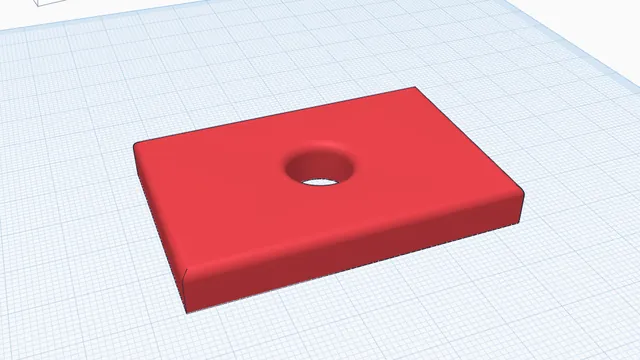 Your first printable modelBeginner · 12 min · From an empty workplane to a file your printer can print: a 60 × 40 mm tag with a hole and rounded edges.
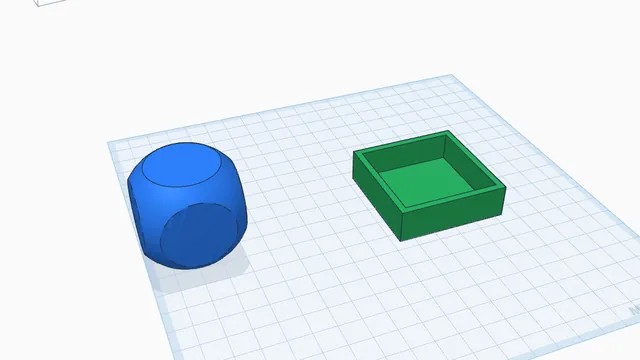 Holes, pockets and traysBeginner · 6 min · Use hole shapes to hollow out a tray with a floor, and Intersect to keep only where two parts overlap.
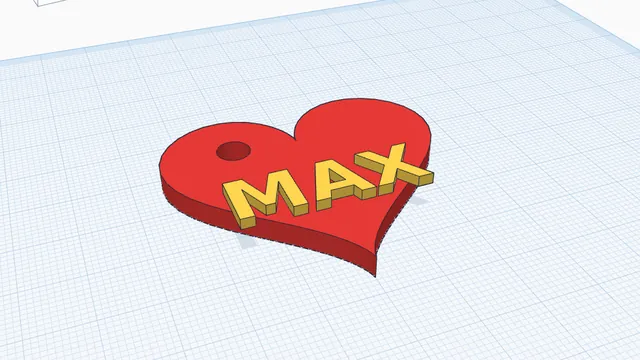 Your own keychainBeginner · 6 min · A keychain with your name on it, in two colours, ready to print: a perfect first project, for children and grown-ups.