

Export for printing
Export STL, 3MF, OBJ or STEP. Every export is checked and repaired so slicers get a clean, closed, watertight solid; 3MF keeps colours and part names, STEP opens in other CAD programs.
When to use it
When the design is ready to print or to share. STL for any slicer; 3MF to keep colours and part names; OBJ for other 3D programs; STEP for other CAD programs.
How to use it
- Export → STL for one merged solid, or 3MF to keep colours and separate parts.
- Split parts: use "Export each part (STL)" in the Split panel.
Examples
- Export → STL, then open the file in your slicer.
- Export → 3MF for a multicolour sign.
Limits
- Every export is checked: open edges are closed and the solid is made watertight. If something can't be closed (a paper-thin wall), the message says how many parts.
Common problems
- The slicer says the model is too small or too big.
- Check Settings → Units is millimetres. SimpCAD X exports millimetres.
- Only one colour in the slicer.
- Use 3MF (STL has no colours), and tick Multicolour on grouped parts.
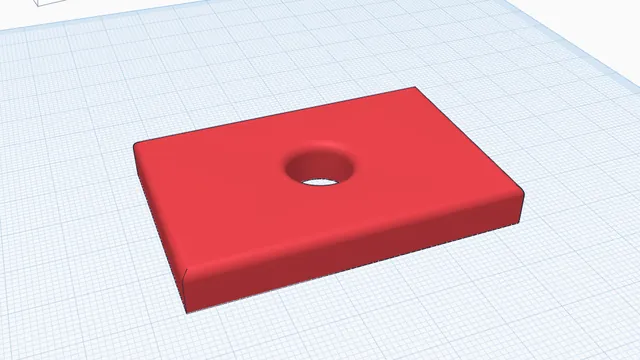 Your first printable modelBeginner · 12 min · From an empty workplane to a file your printer can print: a 60 × 40 mm tag with a hole and rounded edges.
 Get a design ready to printBeginner · 4 min · Turn parts onto their best flat faces, check for overhangs that need support, and export a 3MF.