

Camera
Right-drag to orbit, middle-drag to pan (the point under the mouse stays put), wheel to zoom toward the cursor — right down to 0.02 mm.
When to use it
All the time: turn the view to see what you are doing. The camera never changes your design.
How to use it
- F zooms to the selection (or everything); Home resets to the workplane.
- The camera can look from underneath: the workplane turns see-through.
- Shift + right-drag also pans; + and − zoom.
Limits
- If you get lost, the house button (Home) brings the view back to the workplane; F zooms to what is selected.
Common problems
- I can't see my part any more.
- Press F (with the part selected) or the house button.
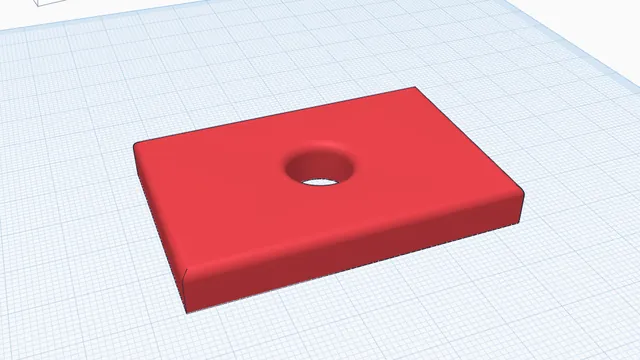 Your first printable modelBeginner · 12 min · From an empty workplane to a file your printer can print: a 60 × 40 mm tag with a hole and rounded edges.