

Text
3D text in any font on your computer, or any font file you add (TTF, OTF, WOFF, WOFF2). Text can follow a curve.
When to use it
For names, labels and lettering: raised, engraved (as a hole), or on its own.
How to use it
- Change the font in the properties panel, or choose "Add fonts…" to install new ones.
- Use the Curve slider to bend text into an arc.
Options
- New lines
- Each new line in the text box is a new line of text.
- Backing plate
- Raised letters on a plate, engraved letters, or a stencil, with rounded tops if you like.
- On a part
- SVG & Text puts text onto a face, wraps it round a cylinder, or engraves it.
Good for: name tags, signs, labels, keychains, engraved text on a part.
Examples
- A name raised 1 mm on a keychain.
- A label engraved into the side of a box (text as a hole, grouped with the box).
Limits
- Very small text doesn't print well: letters thinner than two nozzle widths break up. About 5 mm high and up is safe with a 0.4 mm nozzle.
Common problems
- The text is too thin to print.
- Pick a bolder font, or make the text bigger.
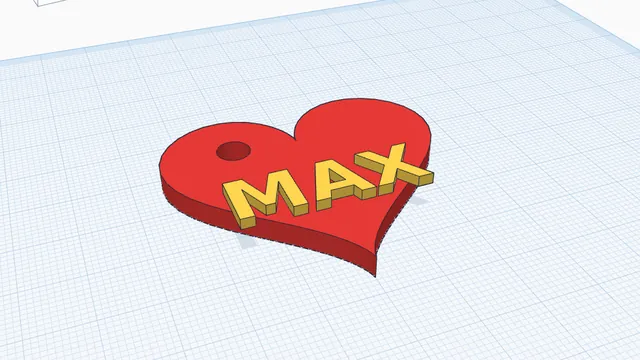 Your own keychainBeginner · 6 min · A keychain with your name on it, in two colours, ready to print: a perfect first project, for children and grown-ups.