

Split
Cuts a part into two printable pieces along a plane you can slide and tilt, with optional pins, plugs, dowels, dovetails, magnet pockets or real threads so the pieces fit back together.
When to use it
When a part is too big for your bed, or prints better in two pieces (no supports). Add pins, dowels or threads so the halves line up when you glue or screw them.
How to use it
- Select one solid and press Split.
- Choose X, Y or Z, slide the plane, tilt it if needed — the preview pulls the halves apart.
- Add connectors at the centre or click anywhere on the cut face; choose which half gets the peg.
- Press Split. You get two watertight parts plus an interference check; "Lay out for printing" turns them so they print without supports.
Examples
- A tall vase split in two, with a round plug to line the halves up.
- A helmet split down the middle to print each half flat.
Limits
- One flat cut at a time; tilt and slide the plane to place it. For many cuts to fit a bed, use Cut to fit.
Common problems
- The pieces don't line up after printing.
- Add a peg or plug connector before you split: it gives each piece a matching pin and socket.
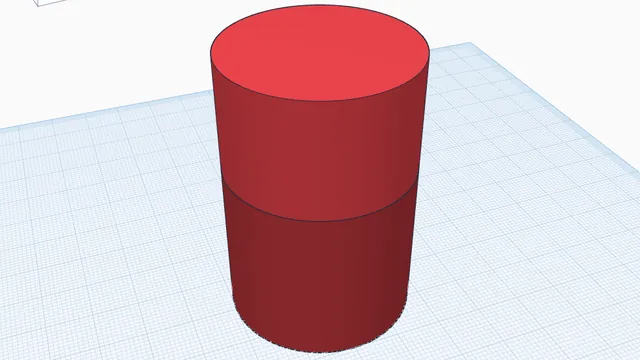 Split a part to printIntermediate · 4 min · Cut a tall part into two pieces that print without supports, with a peg so they line up.