

Lay flat & arrange
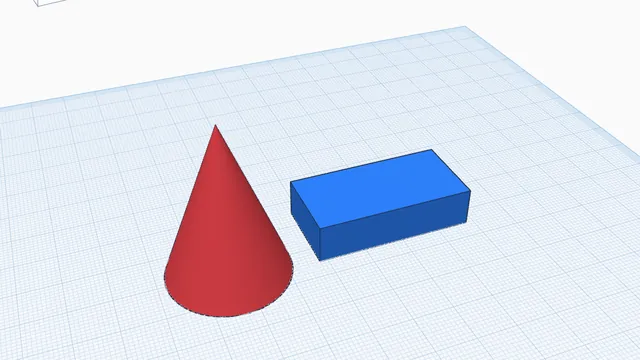
Turns every part (or just the selected ones) onto its best flat face and spaces them out neatly on your print bed. Ready to print in one click, and one undo step.
When to use it
Right before printing: every part on its best flat face, spaced out on your bed.
How to use it
- Parts already lying flat stay as they are.
- It tells you if everything does not fit on the bed.
 Get a design ready to printBeginner · 4 min · Turn parts onto their best flat faces, check for overhangs that need support, and export a 3MF.